Generate Spiff Report
Select file layout and upload CSV to process.
How to Use
Add and remove advisors and spiffs in settings on top right
Export spiffs from CDK
Step by step directions for getting the export file
In CDK type ROH and press enter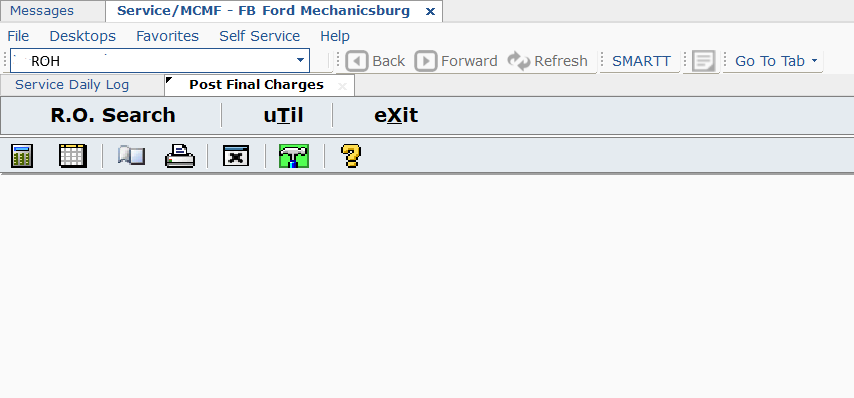
Enter start date, space, end date, then enter

Copy and paste all op codes below or just DDBG1-14 for BG spiffs
ALIGN 4WAHD 4WA ALIGNTK BATT DDBG1 DDBG2 DDBG3 DDBG4 DDBG5
DDBG6 DDBG7 DDBG8 DDBG9 DDBG10 DDBG11 DDBG12 DDBG13 DDBG14 WIPER WIPERR WIPERF
BRAKE3 BRAKE4 BRAKE5 BRAKE6 MBT1 MBT2 MBT3 MBT4 AF CAB PDEL
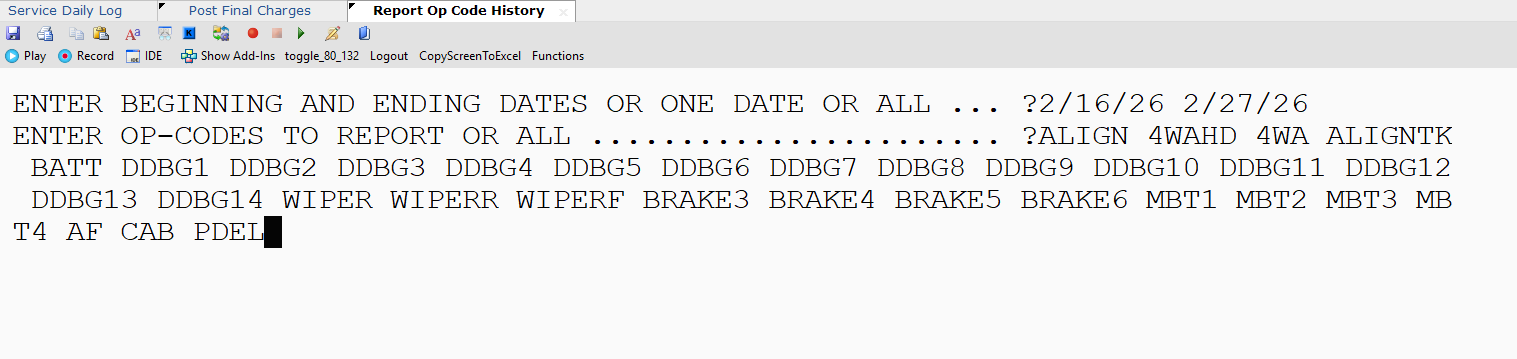
Lineprinter Type N

Press Enter

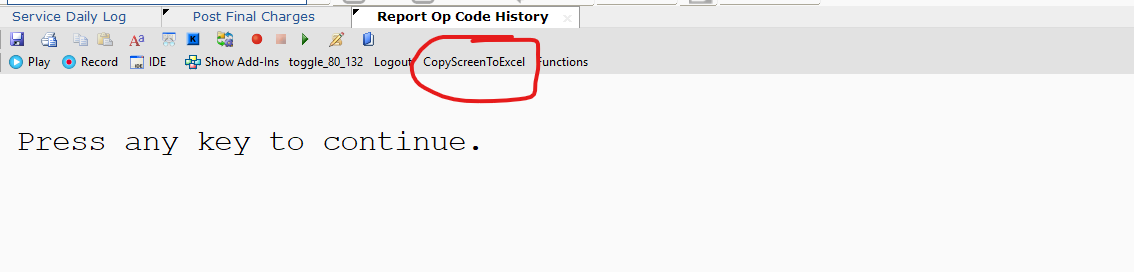
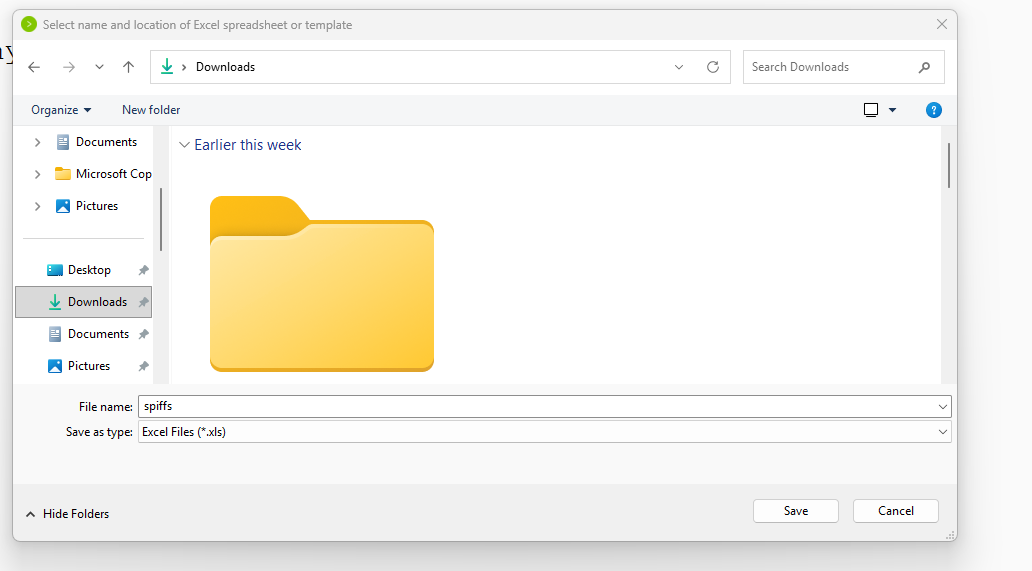
DO NOT PRESS ANY KEY UNTIL FILE IS SAVED! Select copy screen to excel,
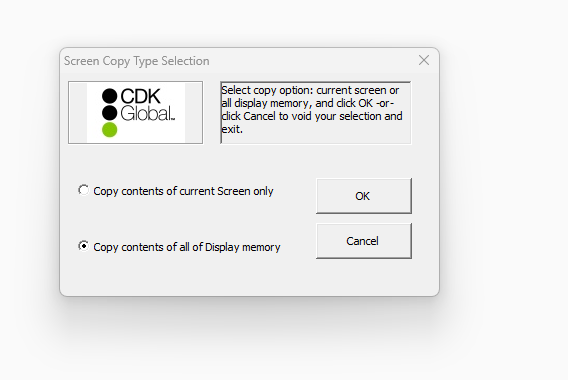
Select Copy contents of all Display memory
Save the file where you will be able to easily find it like documents or downloads. Then press the choose file button up top and select the file you just saved.
Configuration Management
Save your settings (Advisors & Spiffs) to a file so you can resume work later.